
Otter and Granola Alternatives: Is HyNote the Best AI Note-Taker of 2026?
Between back-to-back calls, scattered voice memos, and a pile of shared slides, I realized one thing: bad notes = wasted time. I wanted to see which app could handle the chaos of real work—not just look good in a demo. When conversations move quickly, the real challenge isn’t recording everything—it’s staying focused while ensuring no critical details slip through.
Key Takeaways: The Quick Verdict
- Best for Privacy & Versatility: HyNote (Bot-free, supports images/PDFs, and superior multi-language accuracy).
- Best for Corporate Zoom Users: Otter (Strongest third-party meeting integrations).
- Best for Minimalists: Granola (Clean, lightweight, but limited feature set).
So, I spent weeks running my meetings through Otter, Granola, and HyNote. Here's how they stacked up.
2026 AI Note-Taker Feature Matrix
This table gives you the big picture. But the real differences show up in daily use—so let's dig deeper.
| Feature / Pricing | Otter | Granola | HyNote |
|---|---|---|---|
| Monthly Price (USD) | $13.59 / month (Pro) | $18.00 / month (Individual) | $12.99 / month (Pro) |
| Annual Price (USD) | $79.99 / year (Pro) | Varies (team/enterprise) | $89.99 / year (Pro) |
| Live recording | ✓ | ✓ | ✓ |
| Real-time transcription | ✓ | ✓ | ✓ |
| Audio file import | ✓ | ✓ | ✓ |
| AI summarization | ✓ | ✓ | ✓ |
| Custom summary templates | ✕ | ✓ | ✓ |
| Smart search/tagging | ✓ | ✓ | ✓ |
| Text import | ✕ | ✕ | ✓ |
| Image support | ✕ | ✕ | ✓ |
| Mobile app | ✓ | ✓ | ✓ |
| Syncing between devices | ✓ | ✓ | ✓ |
| Integrations | Zoom, Google Meet, MS Teams | Zoom, Google Meet | Zoom, Google Meet, Notion, Slack |
| Languages supported | ✓ (major) | ✓ (core) | ✓ (multilingual) |
| Bot-free recording | ✕ | ✓ | ✓ |
| Privacy model | ✓ (cloud-based) | ✓ (basic) | ✓ (privacy-focused) |
| Unlimited transcription | ✓ (plan dependent) | ✓ (plan dependent) | ✓ (plan dependent) |
Otter
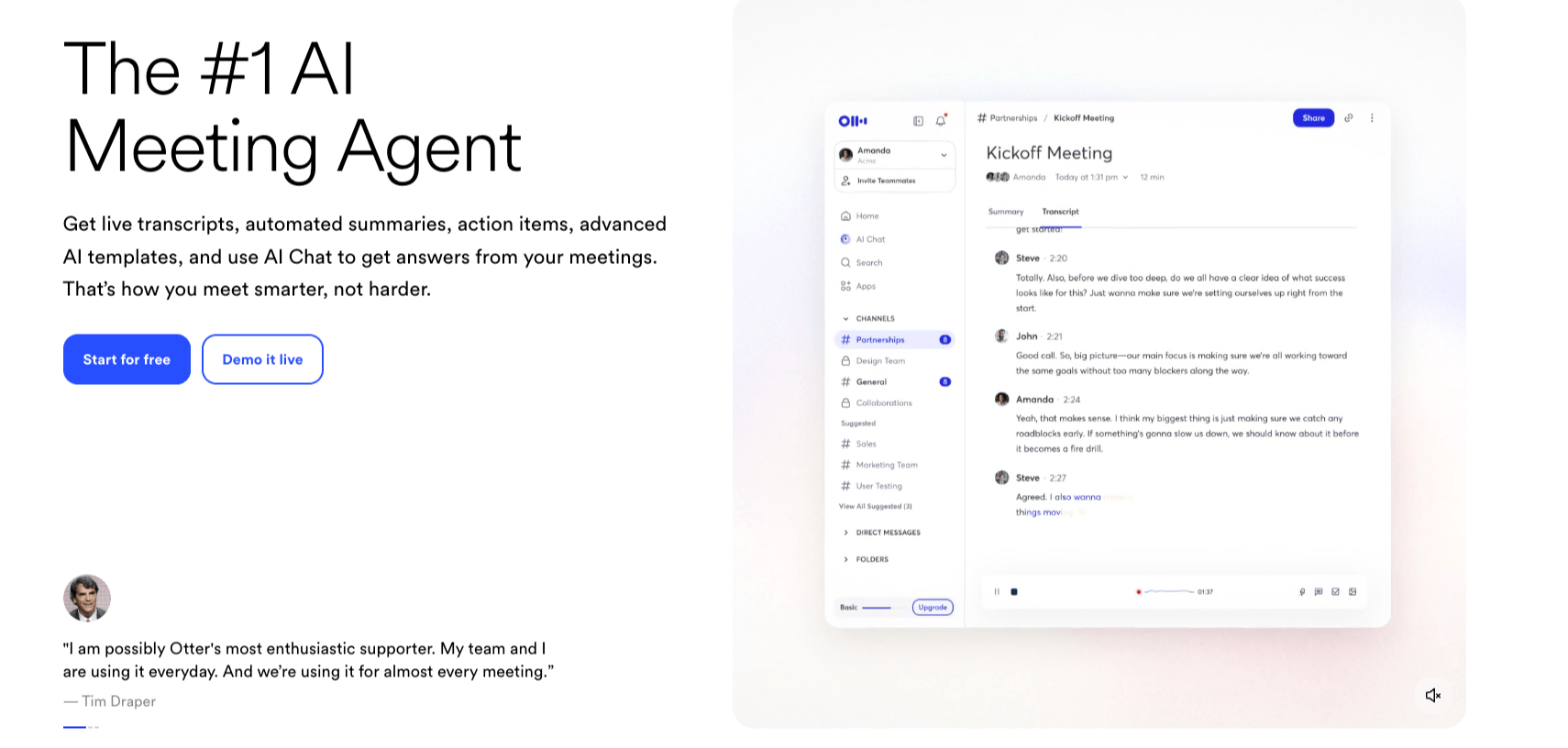
Otter is the name almost everyone knows, and there's a reason for that. It works seamlessly with Zoom and Google Meet, making it the easy choice if you're in corporate setups where those platforms dominate. The transcriptions are solid, and the live captions are helpful in real-time.
Biggest Strengths of Otter:
- Seamless integrations with Zoom and Google Meet
- Real-time captions that make meetings more inclusive
- A familiar UI that most teams can pick up instantly
That said, Otter sometimes blurs the line between giving you everything versus highlighting what really matters. Summaries exist, but I often found myself trimming down the noise. The interface is familiar, though a bit crowded compared to HyNote's cleaner design. For many, Otter will still be "good enough"—especially if you're after a dependable tool that integrates everywhere without needing much setup.
Granola
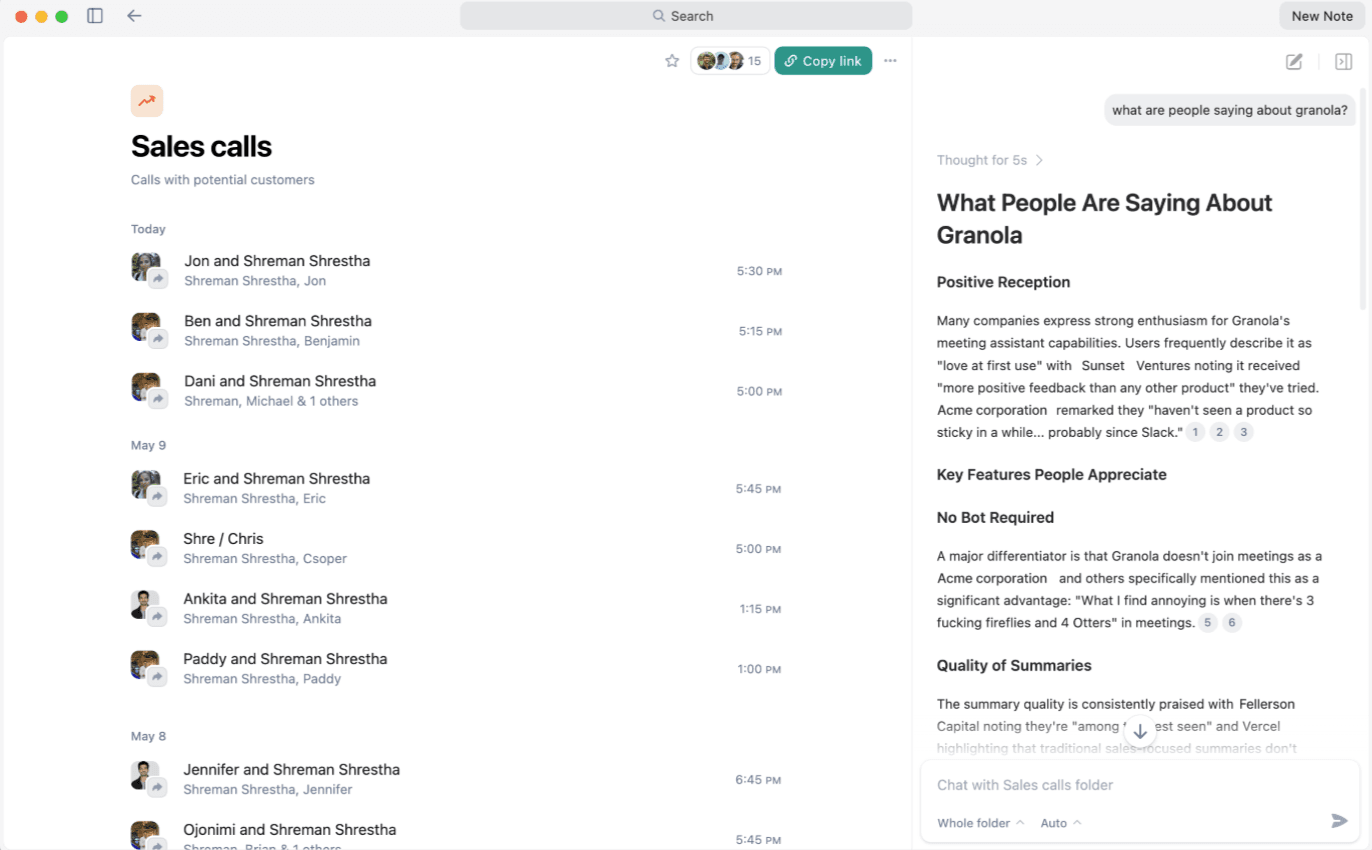
Granola takes the opposite approach. Instead of loading up on features, it focuses on a simple, lightweight experience. The app is clean, uncluttered, and easy to navigate—perfect for people who don't live in meetings all day but still want decent transcripts and summaries when they need them.
Biggest Strengths of Granola:
- A clean, lightweight interface
- Fast transcription and basic summaries
- Low learning curve—easy for anyone to use
The trade-off, of course, is depth. Granola's templates are more limited, its analytics don't run as deep, and if you suddenly find yourself managing dozens of conversations a week, it starts to feel underpowered. But for solo users or small teams who value simplicity over complexity, Granola does its job without the overhead.
HyNote
HyNote feels like the overachiever in the group. It doesn't just transcribe meetings—it absorbs everything. You can throw audio recordings, video files, slides, even screenshots at it, and it still delivers clean notes and summaries. Where it really shines is in distilling decisions and action items, so you walk away with something useful instead of a wall of text.
Biggest Strengths of HyNote:
- Uploads from audio, video, images, even URLs
- Summaries that pull out action items, not just raw transcripts
- Multilingual transcription that actually respects accents
Privacy is also at the core. Unlike some tools that rely heavily on meeting bots, HyNote emphasizes bot-free recording options and encryption. For multilingual teams or global founders, it handles different languages and accents surprisingly well. The only real drawback? The web experience occasionally lags behind the mobile app, and desktop app for Mac is not fully-developed. But for the sheer flexibility and control, HyNote is hard to beat.

Who Should Choose Which Tool?
Why Choose Otter?
Otter remains a "workhorse" for traditional corporate environments. It is the right choice if:
- You live exclusively inside Zoom or Google Meet and want automated calendar syncing.
- You need live captioning for accessibility during a call.
- You prefer a familiar, long-standing interface used by millions.
Why Choose Granola?
Granola is the "Zen" option for users who hate clutter. It is the right choice if:
- You only have 1–2 meetings a day and don't need deep analytics.
- You want a simple, "manual-style" feel with just enough AI to help.
- You value a low learning curve over advanced features like CRM integration.
Why Choose HyNote?
HyNote is the clear winner for power users and global founders. Choose HyNote if:
- Privacy is non-negotiable: You need bot-free recording that respects your client's space.
- Your work is "messy": You need one tool to store voice memos, meeting transcripts, and photos of whiteboards.
- You need actionable output: You want summaries that turn into "Follow-up Emails" or "Jira Tickets" using 50+ specialized templates.
At the end of the day, it's less about the "best" tool and more about the one that fits your work style. For me, HyNote ended up replacing the rest—not because the others failed, but because it simply kept up with how messy and multi-channel modern work really is.
FAQ: AI Note-Taking Comparison
Is HyNote better than Otter for privacy? Yes. HyNote emphasizes bot-free recording and local encryption, whereas Otter relies on cloud-based bots that are visible to all meeting participants.
Can I use Granola on my iPhone? While Granola has a mobile presence, its core features are optimized for desktop. HyNote offers a more robust, full-featured mobile app experience that stays perfectly in sync with the web version.
Does HyNote support French, Spanish, or Japanese? Yes. Unlike many competitors that struggle outside of English, HyNote is built with a global engine that handles multilingual transcription and translation across dozens of languages.


