Auto Organize
Say goodbye to manual folders. Let HyNote's AI auto-tagging engine categorize and tag your files instantly, keeping your workspace clutter-free.
Intelligent Auto-Tagging
AI analyzes the content of your notes and applies semantic tags based on topics, dates, and projects—not just keywords. A note about "Java performance optimization" gets tagged "Programming," "Java," "Performance," not just the word "Java." Tag suggestions include confidence scores. Accept, reject, or modify—the system learns your preferences. Custom tag hierarchies let you create structures like "Work > Projects > Client A." Bulk retroactive tagging organizes your entire history automatically. Unlike rigid folders that force one location per note, intelligent tagging applies multiple relevant labels. A meeting note about Q3 budget gets tagged: "Meetings," "Q3 Planning," "Budget," "Finance Team"—findable from any angle.
Smart Foldering
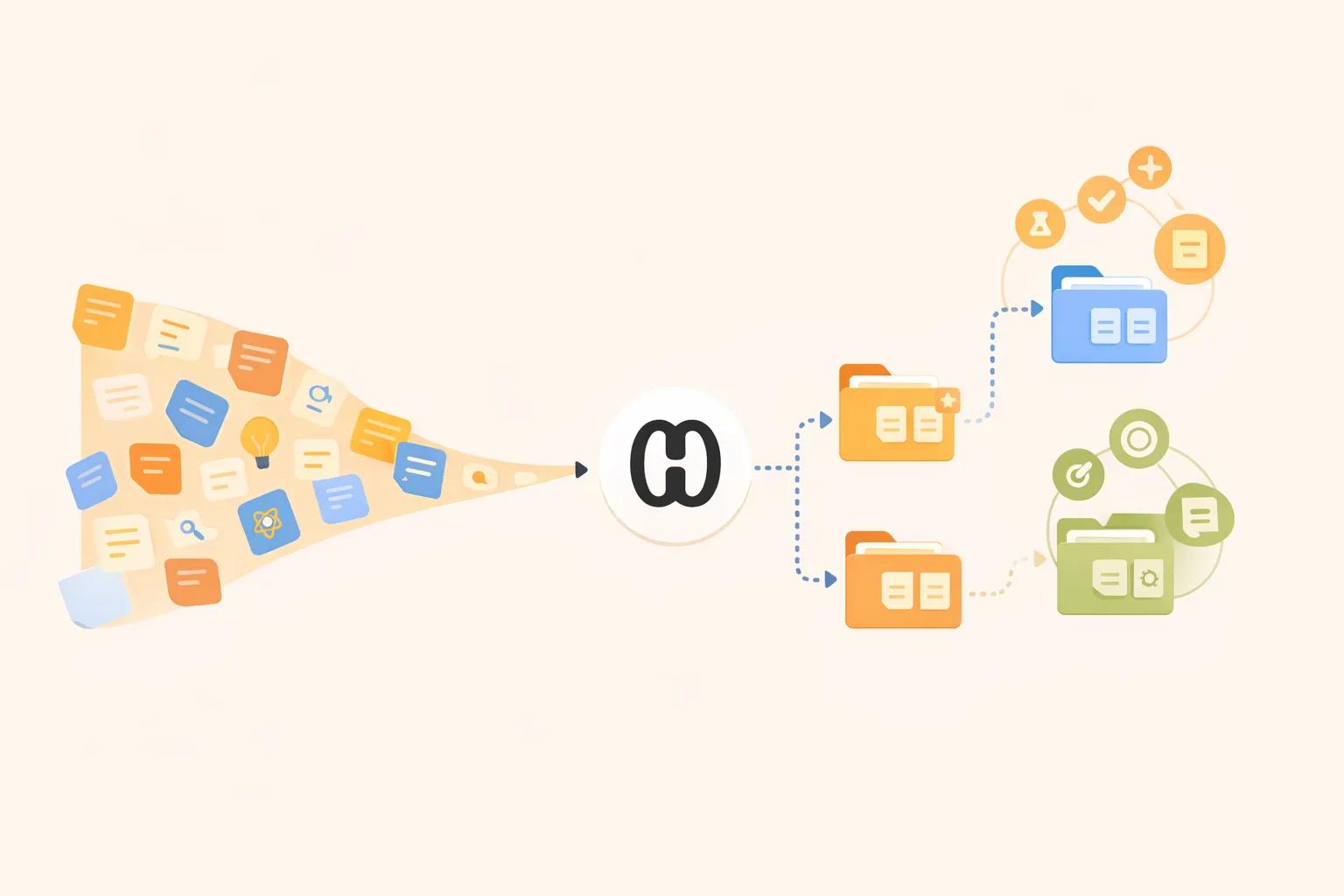
Automatically route new captures into the right workspace using intelligent categorization logic. New notes are routed to appropriate folders based on content similarity and your organizational patterns. Similar notes tend to cluster together, making related content easy to find. Routing rules you can set: send all meeting notes to "Meetings" folder, route notes mentioning "Client X" to their project folder, or direct voice captures to "Inbox" for manual sorting. Override automatic routing anytime—corrections improve future suggestions. Set rules once, automation works forever. Your workspace stays organized without manual filing.
Zero-Loss Retrieval
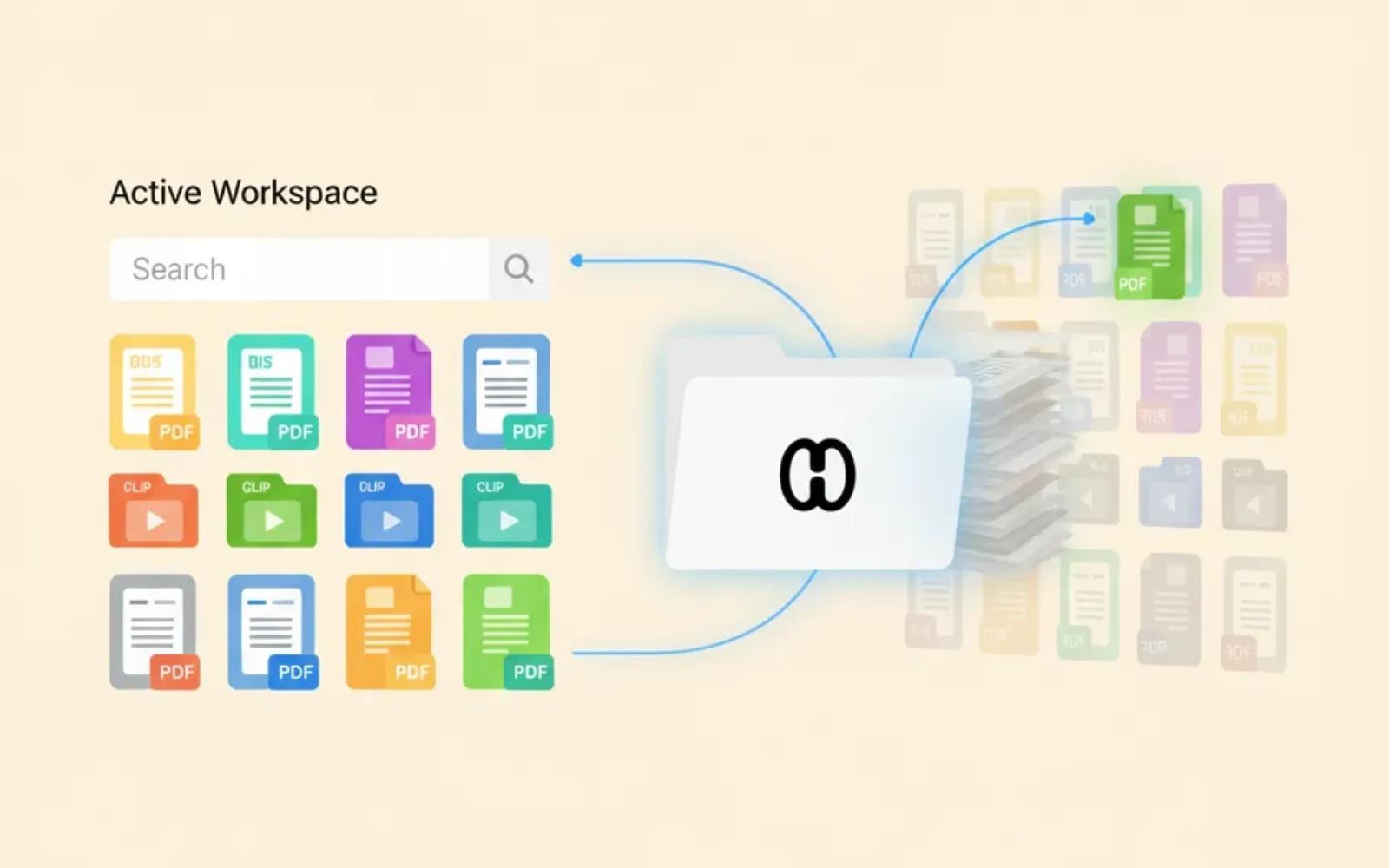
Our automated organization ensures that every PDF, recording, and clip is indexed exactly where it belongs. Old, inactive content is suggested for archiving while remaining searchable—maintaining a clutter-free active workspace. Archive suggestions based on: last access date, relevance to current projects, and content age. Archived notes remain fully searchable and accessible, but don't clutter daily views. Set auto-archive rules: archive notes older than 6 months not accessed in 3 months. Quick-archive button for manual cleanup. Restore archived notes to active workspace anytime. You'll never lose a file again—even years later, search finds it instantly.
Frequently Asked Questions
Yes, HyNote's Auto Organize feature uses machine learning to categorize and tag your information, so you never lose a file again. AI analyzes content meaning, not just keywords, applying relevant tags automatically. Smart foldering routes notes to appropriate workspaces. Zero-loss retrieval ensures everything is indexed and searchable.
HyNote uses natural language processing to understand note meaning, then applies tags based on topics, entities, sentiment, and relationships to existing notes. It's not just keyword matching—"Java" in programming gets different tags than "Java" in travel. The system improves as it learns your patterns.
Absolutely. Create custom tags, define hierarchies (e.g., "Work > Projects > Client A"), and train HyNote on your vocabulary. Set up tag rules: always tag notes mentioning "Acme Corp" with "Client A." Import existing tag structures from Evernote or Notion.
You can always override suggestions. Corrections help the system learn and improve. Low confidence suggestions are flagged for your review. Create explicit routing rules for frequently misclassified note types.
Yes. Import from Notion, Evernote, OneNote, or upload files—HyNote organizes everything retroactively. Bulk processing handles thousands of notes overnight. Historical content becomes fully tagged and searchable.
No limits. Whether 100 or 100,000 notes, organization scales with your knowledge base. Processing time increases with volume but runs in background. Enterprise plans include dedicated resources for very large knowledge bases.
Of course. Auto-organize is a time-saver, not a requirement. You have full control to organize manually anytime. Many users use auto-tagging as first pass, then refine manually. Set certain folders to manual-only if preferred.
HyNote learns from every interaction: which suggested tags you accept or reject, manual tags you add, folder moves you make. Learning is private to your account. After a few weeks, suggestion accuracy typically exceeds 90%.
Our AI note taker is trusted by over 1M+ professionals and students worldwide.