Knowledge Graph
Stop looking at isolated notes. HyNote's personal knowledge graph helps you visualize connections between ideas, sources, and projects in a 3D semantic web.
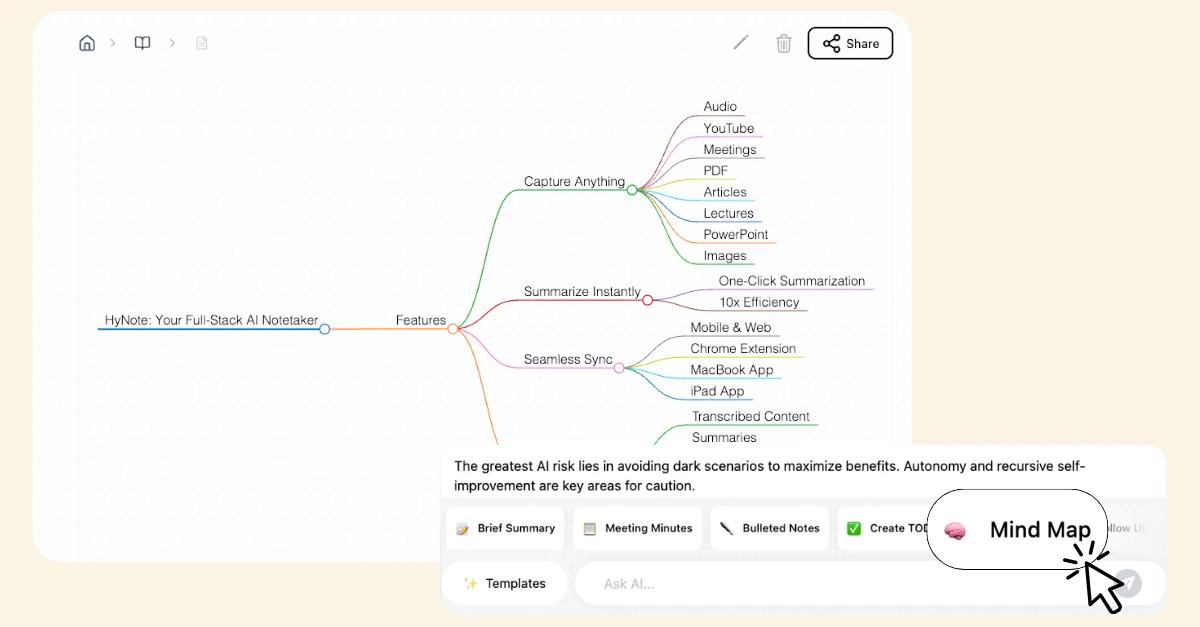
Interactive Mind Mapping
See a bird's-eye view of your data and visualize how ideas relate to each other through AI-generated links. Explore your knowledge as a dynamic network you can navigate. Zoom from high-level cluster views down to individual note contents. Rotate to see relationships from different angles. Click any node to dive deep into a topic, then follow connection trails across your entire library. Visual customization includes color-coding by topic or date, node sizing by importance, and focus mode that highlights one topic while dimming others. Export visualizations as images or interactive HTML for presentations.
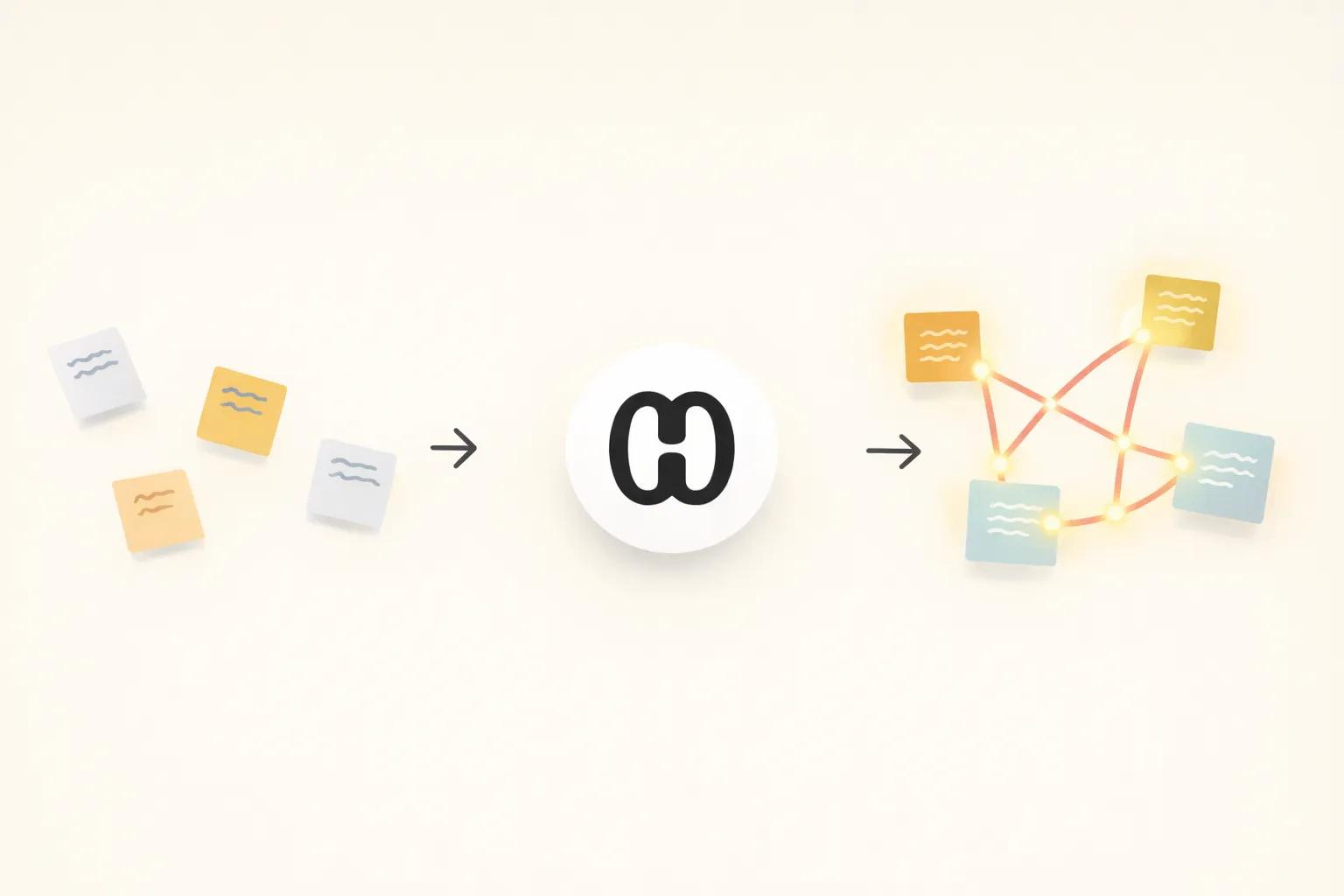
Hidden Connection Discovery
Our AI identifies semantic relationships between notes that you might have missed, sparking new insights. A customer complaint about pricing connects to your competitive analysis from last quarter. A book note about habits links to your productivity system design. Connection types include: similar concepts, supporting evidence, counter-arguments, chronological sequences, causal relationships, and shared entities. The AI suggests connections with confidence scores—you decide which to keep. These unexpected connections spark creative breakthroughs and help you see patterns across your entire knowledge base.
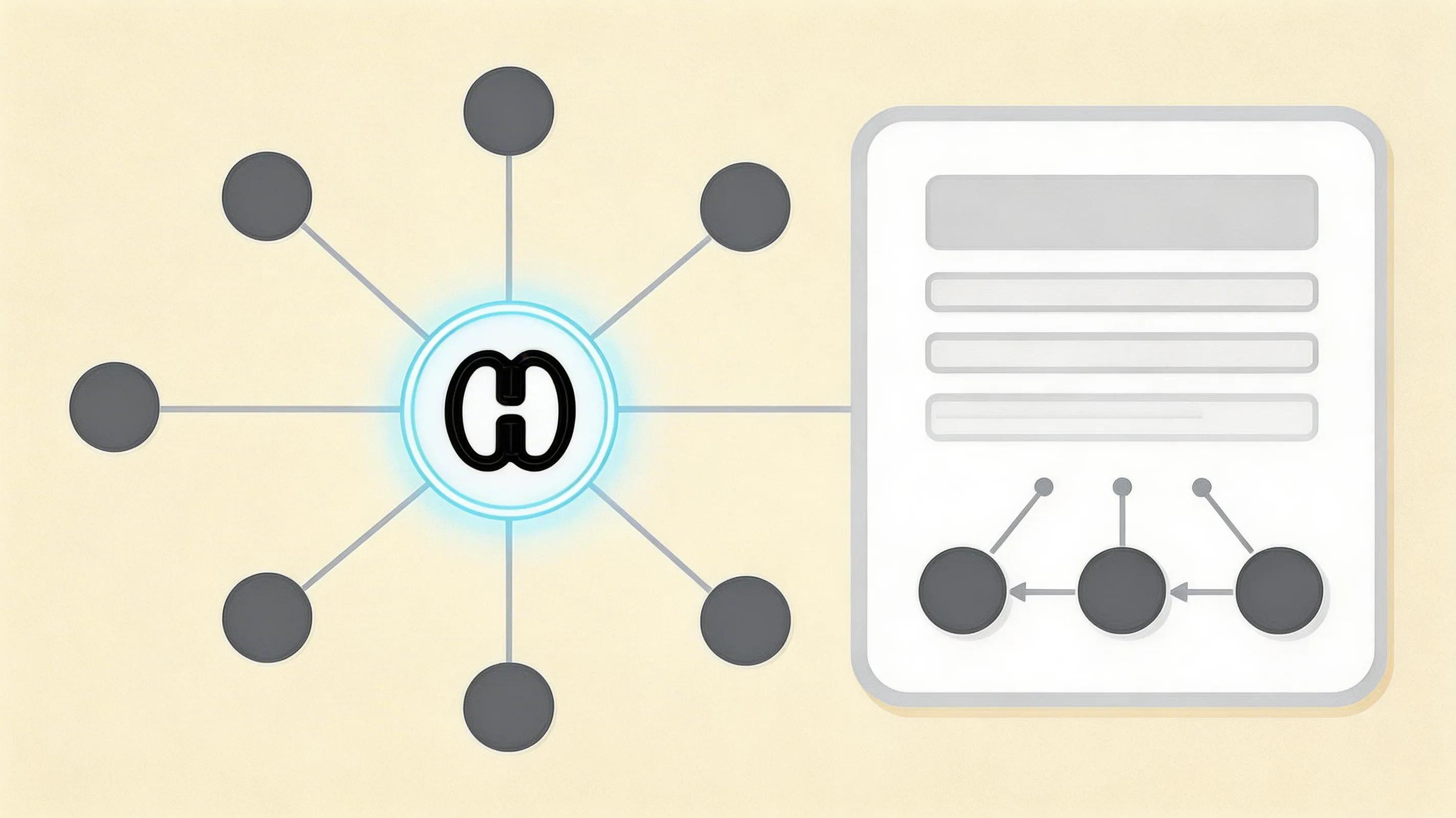
Dynamic Node Navigation
Click any node in your knowledge network to dive deep into a specific topic or research thread. Bi-directional linking means every connection works both ways—navigate from any note to related ideas with a single click. When viewing a product spec, see linked customer interviews, competitive analyses, and technical research. When reviewing a meeting note, discover related decisions from past meetings. Backlinks show which other notes reference the one you're viewing. The system suggests relevant notes while you write, making connection effortless. Create manual links by highlighting text and choosing "Link to Note."
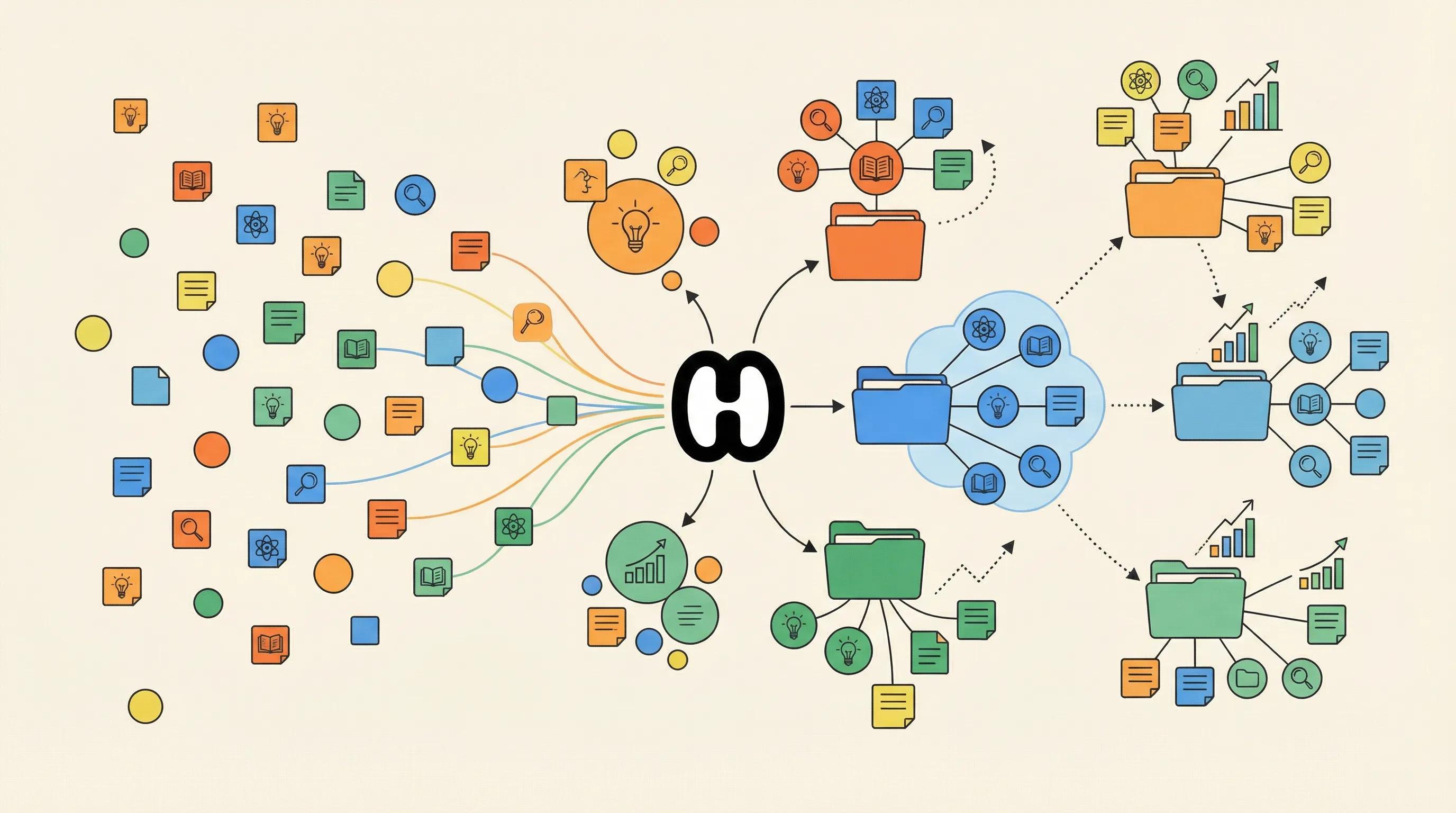
Visual Clusters
Automatically group related concepts into thematic clusters to see your expertise grow over time. Watch as related concepts naturally group together, revealing your evolving areas of expertise and interest. Clustering happens automatically as you add content. Merge or split clusters manually if AI groupings don't match your mental model. Track how clusters grow and shift over time. Identify orphaned notes that don't fit existing clusters—potential new interests or projects. Over months, you'll see distinct clusters form around projects, research topics, or learning areas—visual proof of your growing knowledge.
Frequently Asked Questions
HyNote uses a mind map to map out your information, allowing you to see hidden connections and navigate your data like a second brain. The knowledge graph shows notes as nodes and relationships as links. Click any node to explore, zoom to see patterns, and discover connections you'd never find in traditional folders.
It's a visual network where each note is a node and connections between related ideas are links—like a mind map that builds itself automatically. Unlike folders that force hierarchical organization, a knowledge graph reflects how your brain actually works: associatively, with ideas connected by meaning.
Both. HyNote's AI suggests connections based on content similarity, shared entities, and semantic meaning. You review and decide which to keep. You can also create manual links anytime. The AI learns from your manual links and improves suggestions over time.
Yes. Search by keyword, topic, date, or semantic meaning—find related ideas even without exact word matches. Graph search shows matching notes plus their connected neighbors.
HyNote includes filtering and focus modes. View entire library as overview, or drill down to specific projects or time periods. Focus mode highlights one area while dimming others. Set complexity limits—show only 50 most connected notes, or notes from last 90 days.
Yes. Export as interactive HTML (recipients explore without account), static images for presentations, or network data formats (JSON, GEXF) for import into other tools like Gephi.
HyNote adds AI-powered connection suggestions beyond keyword matching. Automatic clustering groups concepts without manual tagging. Integration with captured content creates richer, more automated experience. Semantic search finds related concepts without shared words.
HyNote uses optimized graph databases scaling to millions of nodes. Performance remains snappy even with 10,000+ notes. Background processing keeps graph updated without slowing workflow.
Our AI note taker is trusted by over 1M+ professionals and students worldwide.