Contextual Notes
HyNote automatically resurfaces past research and relevant ideas the moment you start a new project.
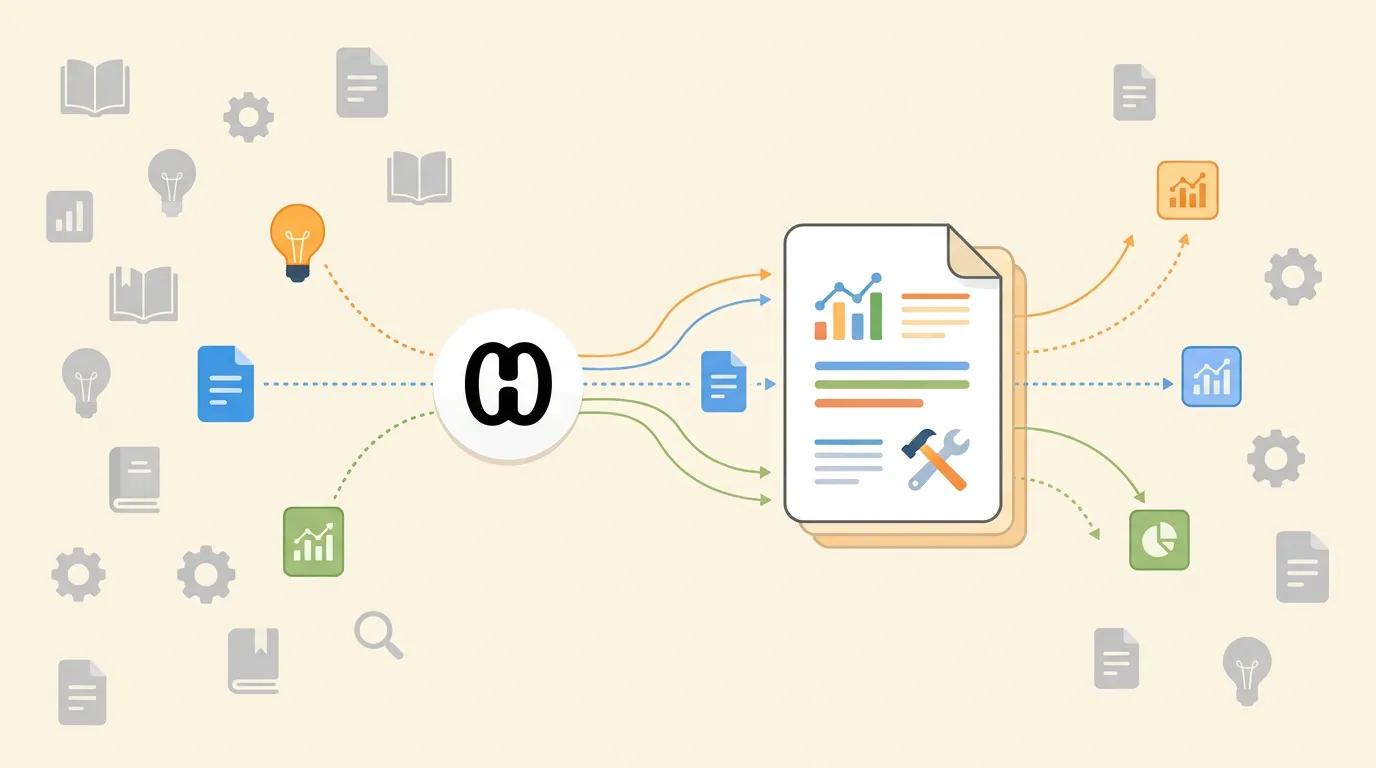
Proactive Knowledge Discovery
As you write, HyNote suggests relevant past notes from your library to support your current work. Writing about a new product feature? See similar past proposals, related customer feedback, and technical research you captured months ago. Suggestions appear subtly in a sidebar without interrupting flow. Click to view the full note, or dismiss if not relevant—your feedback improves future suggestions. Set suggestion frequency from "minimal" to "proactive" based on your preference. This is search without knowing what to search for. HyNote anticipates your needs based on what you're currently doing.

Smart Just-in-Time Delivery
Get the right information at the right time with contextual info retrieval based on your active screen or document. HyNote watches what you're working on and automatically suggests relevant past research before you even know you need it. Context sources include: current document content, open browser tabs, calendar events, recent captures, and active projects. The more context HyNote has, the better its suggestions. You control which context sources are used. Writing a proposal about Q3 budget? HyNote shows you the customer interview from March where they mentioned budget constraints, even if you never tagged it as relevant.

Cross-Project Linkage
Bridge the gap between old and new work by seeing how current tasks relate to previous research. That insight from a failed 2021 experiment becomes relevant to your 2024 approach. A comment from an unrelated client meeting solves your current problem. Temporal connections show how your thinking evolved. "You wrote about similar challenges 18 months ago—here's what you learned." Cross-domain connections reveal unexpected parallels between different areas of your work. Your past work becomes a resource for current projects, not forgotten archives.
Inspiration Engine
Prevent "blank page syndrome" by having your Second Brain surface your best ideas from the past. Beat writer's block with curated idea suggestions based on your current topic and past creative work. Stuck on a proposal? See how you approached similar challenges before. Need examples? Find relevant cases from your capture history. Inspiration mode specifically surfaces creative ideas, analogies, and unusual connections that might spark new thinking. It's like having a creative partner who knows everything you've ever thought, ready to help when you're stuck.
Frequently Asked Questions
Yes, HyNote's Contextual Notes feature is designed to surface past research automatically based on the context of your current project. As you write or research, HyNote analyzes what you're doing and suggests relevant notes from your library—before you even know to search for them.
AI analyzes content, context, and semantic meaning of what you're currently viewing or typing, then matches to related content in your knowledge base. It considers concepts, entities, and themes—not just keywords. The system learns from your feedback (which suggestions you click or dismiss) to improve over time.
No. Suggestions appear subtly in a sidebar and respect your focus settings. You're in control of when and how you see recommendations. Set frequency from "minimal" to "proactive." Enable Focus Mode anytime to pause suggestions during deep work.
Absolutely. Enable Focus Mode anytime to pause suggestions, or customize when and how they appear. Set "do not disturb" hours, disable suggestions for specific workspaces, or require manual trigger. You're always in control of your attention.
Yes. Contextual suggestions sync across desktop, mobile, and web—relevant notes follow you wherever you work. Start writing on laptop, continue on tablet, suggestions remain consistent.
Dismiss suggestions and provide feedback. The system learns from your preferences to improve future recommendations. Exclude consistently unhelpful categories from future suggestions.
Of course. Contextual suggestions are a convenience, not a replacement for powerful search. Use either or both. Search finds what you ask for, suggestions surface what you didn't know to ask.
Search requires you to know what to look for and formulate a query. Contextual retrieval anticipates your needs based on what you're currently doing. It's the difference between asking "find my notes about Java" and having the system suggest your Java migration research while you're writing a proposal about system upgrades—without you knowing to ask.
Our AI note taker is trusted by over 1M+ professionals and students worldwide.